
The Problem
Back in 2014, I was tracking my weight and body composition across multiple platforms – Fitbit for step tracking, Google Fit for the emerging Android ecosystem. But there was a frustrating gap: when I manually logged my weight on one platform, it wouldn’t appear in the other. The platforms didn’t talk to each other for manual measurements.
I wanted to log my weight once and have it sync everywhere. Nothing did that, so I built it.
What It Did
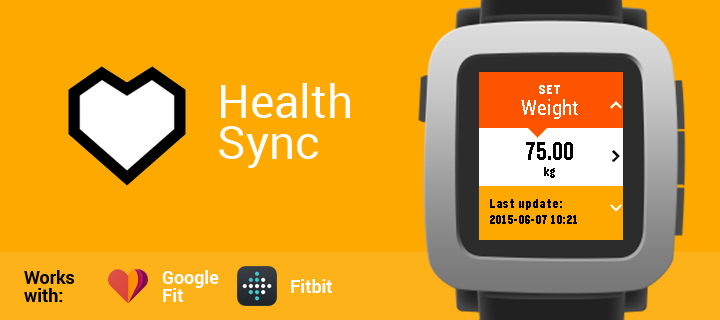
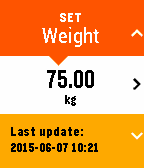
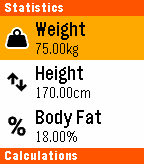
Health Sync let you input health measurements directly on your Pebble watch:
- Weight
- Height
- Body fat percentage
Once logged, the app synced those measurements to both Fitbit and Google Fit through a middleware server I built.
The app also calculated your recommended calorie intake using either the Mifflin-St Jeor or Katch-McArdle formulas, adjusting for your activity level – all running on a watch with extremely limited memory.
The Architecture
The app had three components:
- Watch app (C) – Native Pebble app for data input and display
- PebbleKit JS layer – JavaScript running on the connected phone, handling communication
- PHP server – Middleware at robertkinsella.uk/apps/health-sync/ managing OAuth flows and API calls to Fitbit and Google Fit
The server-side architecture was deliberately modular. While the initial release supported Fitbit and Google Fit, I designed the integration layer so additional services could be added without restructuring the core. The plan was to expand to platforms like Strava and others as they made sense for the user base.
This was before modern health platforms had comprehensive APIs – getting this working reliably meant navigating incomplete documentation and working around API limitations on both services.
Technical Challenges
Building for the original Pebble was an exercise in constraint-driven development:
Limited C subset – Pebble used C, which wasn’t my forte at the time. Compounding this, the Pebble SDK only supported a subset of standard C libraries and functions. Working out what was actually available and how to achieve things within those constraints added an extra learning curve to the project.
Multi-platform evolution – Health Sync was originally built for the black and white original Pebble screen. When the Pebble Time launched with a colour screen, I redesigned the interface to take advantage of it. Later, I added support for the Pebble Time Round (the circular screen variant) through the SDK’s interface builder, though I never had the actual hardware to test on – all development and testing had to be done through emulators.
Memory limitations – The Pebble had minimal RAM. Every byte counted. You can see this in the code with packed structs and constant refactoring to squeeze more functionality into less space:
struct Measurements {
  char name[8];
  int value;
  int date;
  bool convert;
  bool convert_to;
} __attribute__((__packed__));
Message size constraints – Communication between the watch and phone was limited to 255 characters per message. Syncing three measurements with timestamps, unit preferences, and error handling meant carefully structuring every payload.
OAuth complexity – Handling authentication for both Fitbit (which migrated from OAuth 1 to OAuth 2 during development) and Google Fit, all through a PHP middleware layer that had to securely manage tokens and API interactions.
Multi-platform support – Supporting every Pebble hardware variant from the original through to Pebble Time, each with different screen sizes and capabilities.
Unit conversion on-device – Users could switch between metric and imperial, and the watch needed to handle kg/lbs and cm/inch conversions without relying on the server for every calculation.
Reception
The app did well enough that Pebble selected me for their developer programme and sent me an early Pebble Time development unit in recognition of Health Sync’s popularity on the store. Health Sync achieved over 10,500 installs over its lifetime.
An interesting turning point came when Pebble launched Pebble Health, their own built-in health tracking feature. Initially, I was concerned this would cannibalise Health Sync’s user base – why use a third-party app when the platform now had native health features?
The opposite happened. Pebble’s focus on health attracted more health-conscious users to the platform, and many of them were searching for additional health functionality. Downloads and active installs actually increased after Pebble Health launched. It turned out that users looking for health tracking wanted more than just the basics – they wanted the cross-platform syncing that Health Sync provided.
I experimented with integrating KiezelPay (Pebble’s payment platform) – not to make serious money, but to prove I could implement payment flows and understand the commercial side of app development. The integration added another layer of complexity to an already memory-constrained environment, and I never completed it before Pebble shut down in December 2016.
What Happened Next
I started rebuilding Health Sync for Android as Android Wear was emerging. The plan was to create a companion Wear app alongside a full Android application.
I got caught in feature creep.
The original Pebble app had succeeded because it did one thing well within tight constraints. But working on Android, without those hardware limitations, I convinced myself a “proper” app needed more features, better UI, additional integrations. The scope kept expanding, the release kept slipping, and eventually I never shipped it.
It was a valuable lesson in constraint as a feature. The Pebble’s limitations had forced me to focus. Without them, I got lost in possibilities.
The Rebble Revival
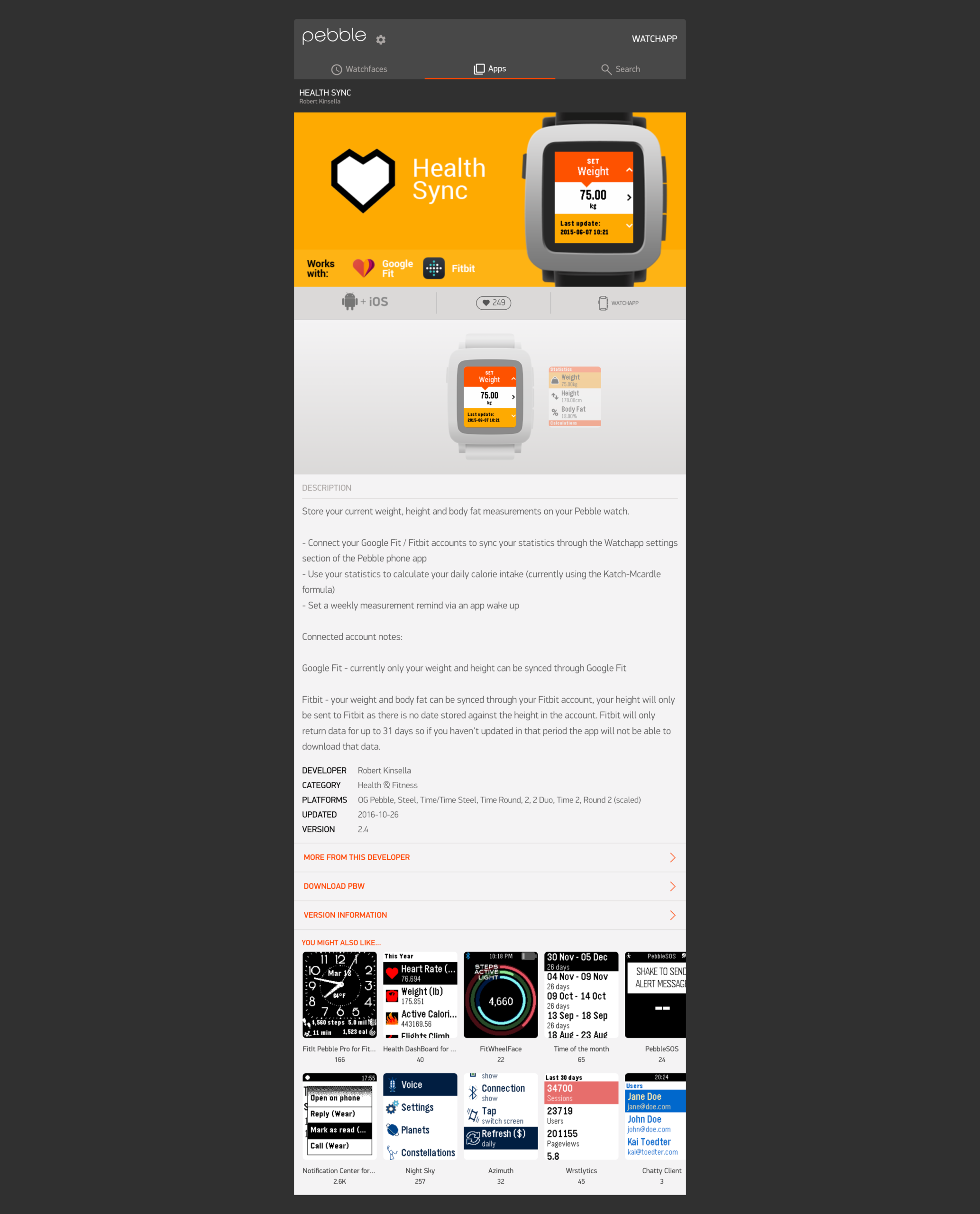
When the Pebble community launched Rebble, keeping Pebble watches alive after the official servers shut down, I was genuinely excited. The Pebble was a fantastic watch, and seeing the community refuse to let it die brought back great memories of building Health Sync. They’ve even preserved Health Sync in their app store.
I seriously considered reviving the app for Rebble users. The codebase was solid, the server infrastructure could be updated, and there was clearly still a passionate user base. But between client work and other commitments, I never found the time to properly revisit it.
Why It Mattered
Health Sync was my first properly released app that solved a real problem for real users. The emails I received, people actually using it, requesting features, reporting bugs, were incredibly valuable.
Those user interactions taught me:
- How to prioritise feature requests against scope
- The difference between what users say they want and what they’ll actually use
- That shipping something focused and useful beats endlessly polishing something comprehensive
- How to handle OAuth flows across multiple services
- The value of constraints in driving good design decisions
Building Health Sync taught me valuable lessons about working within constraints, prioritising features, and the importance of actually shipping. Those lessons still influence how I approach projects.
